
How to cancel or correct an invoice with a credit note
What to do when an invoice you already sent is wrong, cancelled or partly refunded.

To cancel or correct an invoice you have already sent, issue a credit note. A credit note is a document that reverses all or part of an invoice. It carries its own number, points to the original invoice, and shows the amount being taken off. The original stays in your records, so your numbering has no gaps and your books still match the client’s.
This guide covers when you need one, what it says and how to handle the money afterwards. Rules for credit notes come from tax law and differ by country, so treat this as a practical outline and check your local rules.
Draft, sent or paid: which fix to use
The right fix depends on how far the invoice got:
| Invoice state | What to do |
|---|---|
| Draft, never sent | Edit it. Nobody else has a copy. |
| Sent, wrong in a small way, client has not recorded it | Many small businesses reissue it. If you charge VAT or GST, use a credit note instead. |
| Sent and wrong, or the job was cancelled | Issue a credit note for the full amount, then a new correct invoice if needed. |
| Sent, and the client gets a partial refund or discount | Issue a credit note for that part only. |
| Paid, and money goes back | Issue a credit note, then refund or offset the amount. |
The common mistake is deleting the sent invoice and sending a new one with the same number. The client may already have entered the first one in their accounts, and your sequence now has a document that silently changed.
Common reasons for a credit note
- A wrong price, quantity or tax rate. Credit the whole invoice and send a corrected one, which is cleaner than crediting the difference line by line.
- The client was billed twice. Credit the duplicate in full.
- The job or order was cancelled after the invoice went out.
- Goods were returned or a service was not delivered in full.
- A discount or goodwill reduction was agreed after invoicing.
- The wrong client was billed. Credit it and invoice the right one.
What a credit note shows
A credit note looks like an invoice and needs most of the same details listed in what to include on an invoice:
- The title “Credit note” (or “Credit memo” in the US), so nobody mistakes it for a bill.
- Its own unique number and the date it was issued.
- Your business details and the client’s details, the same as on the original.
- The number and date of the original invoice. This is the one detail you cannot leave out.
- What is being credited: the lines, quantities and amounts, or a single line such as “Cancellation of invoice 1042 in full”.
- The tax being reversed, if the original showed tax. Credit the tax at the same rate the invoice used.
- The total credit, and a short reason.
Some people show credit note amounts as negative figures, others show positive figures under the heading “Credit note”. Both are understood. Pick one and stay consistent.
Numbering
Give credit notes their own series, such as CN-001, CN-002, or keep them in your main invoice sequence. Either works as long as each number is used once and you never skip or reuse one. For help with a numbering scheme, the network has an invoice number generator.
What happens to the money
The credit note changes what the client owes. What you do next depends on whether they had paid:
- Invoice unpaid, full credit: the client owes nothing on it. If a corrected invoice follows, they pay that one.
- Invoice unpaid, partial credit: the client pays the invoice total minus the credit. Say so in the email: “Invoice 1042 is USD 900, less credit note CN-007 of USD 150, so USD 750 is due.”
- Invoice paid: refund the credited amount the same way they paid, or, if they prefer, deduct it from their next invoice. Write down which one you agreed.
If you refund, a short receipt or a note on the credit note (“Refunded by bank transfer on 3 December”) closes the loop. See invoice vs receipt for how receipts fit in.
An example
You invoiced a client USD 1,000 plus 10 percent tax for two days of work, invoice 1042. They tell you one day was cancelled before it started.
| Credit note CN-007 | |
|---|---|
| Refers to | Invoice 1042, dated 1 December |
| Reason | One day cancelled before work began |
| Consulting, 1 day at USD 500 | 500.00 |
| Tax 10% | 50.00 |
| Total credit | 550.00 |
The client now owes USD 550 on invoice 1042, or receives USD 550 back if they had already paid USD 1,100.
Tell the client before you send it
A credit note that arrives without warning can confuse a client’s accounts team. Send a short email with it:
Hi Sam, invoice 1042 included a day we cancelled. Attached is credit note CN-007 for USD 550, so the balance on 1042 is USD 550. Sorry for the mix-up.
Then keep both documents together, in your files and in your accounting software if you use one.
What the free generator can and cannot do
The free invoice generator makes invoices and estimates. It has no credit note title, so it is not the right tool for a formal credit note. For a corrected invoice after a cancelled one, it works well: start from the same details, fix the line, and give it a new number.
Credit notes in Paidly
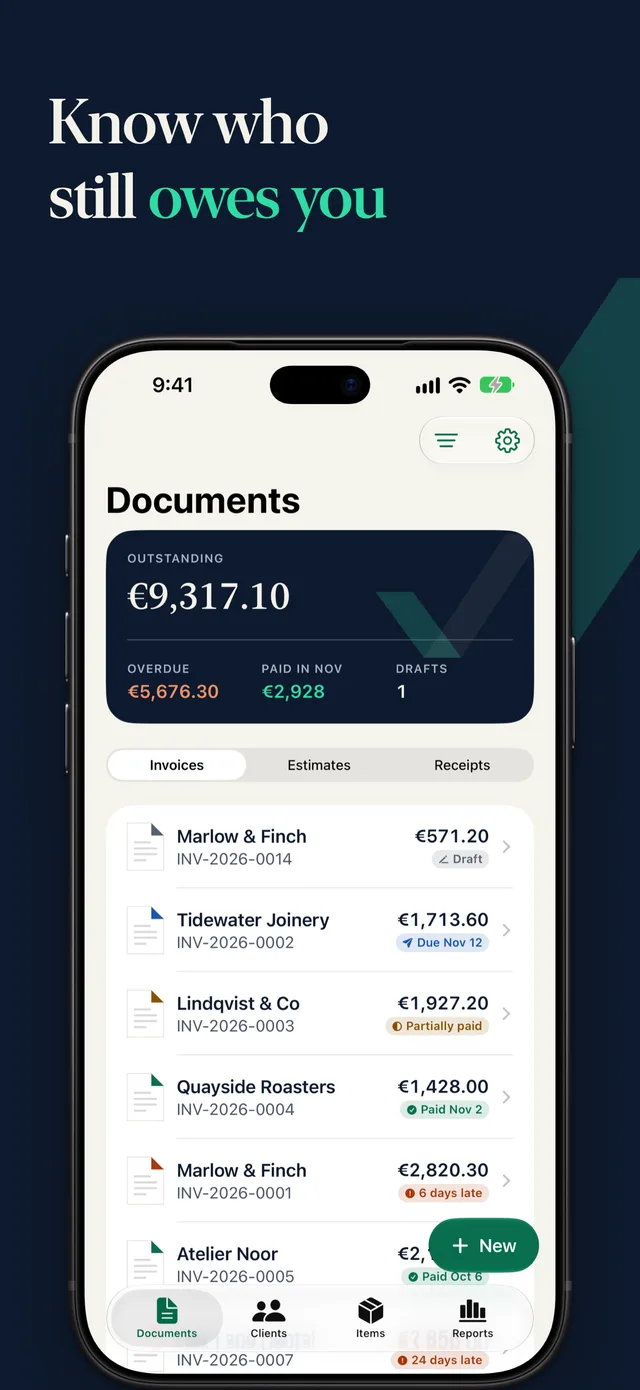
Paidly for iPhone, iPad and Mac creates a credit note from any invoice in one action. It copies the client and the lines, stores the original invoice number as the reference, and gives the credit note its own number, so you only remove what should not be credited and send it. Receipts work the same way for paid invoices.
The invoice is the easy part
Paidly on iPhone, iPad and Mac keeps track of what comes after it.
- Clients
- Each client with their address, payment terms, currency and language, ready for the next invoice.
- Recurring invoices
- Repeat an invoice every week, month, quarter or year.
- Payments
- Record full and part payments. The first screen shows what is outstanding and what is overdue.
- Signed estimates
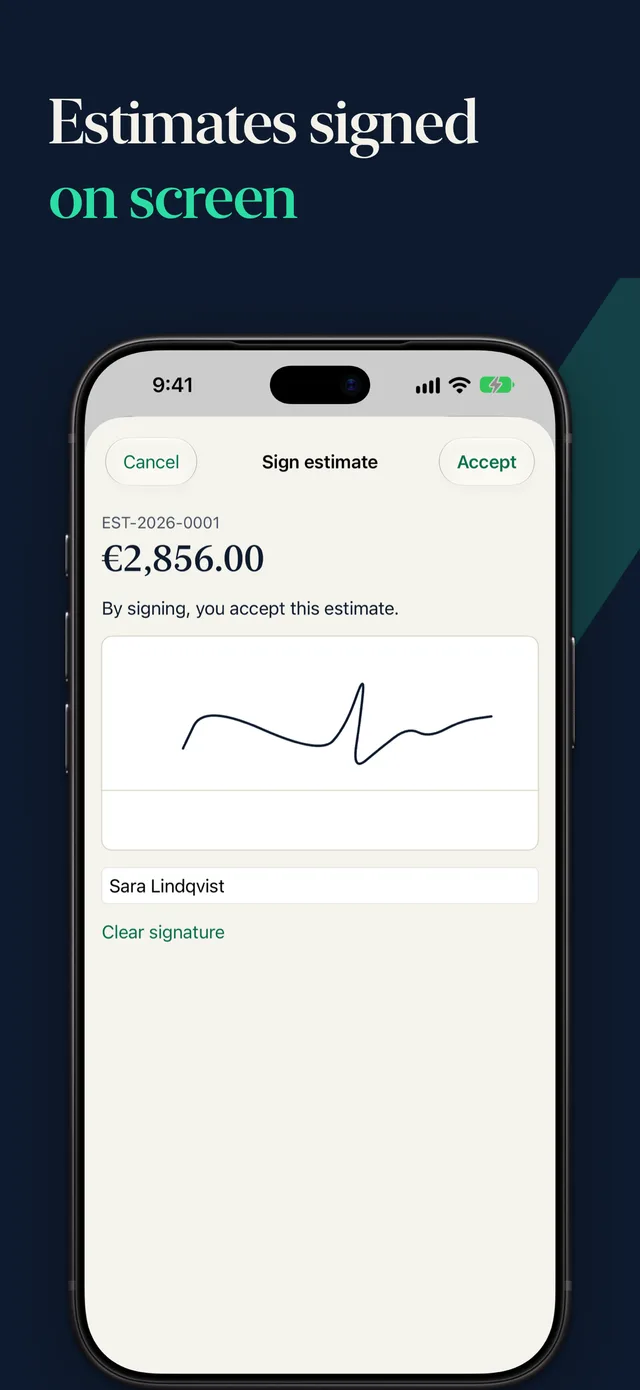
- The client signs the estimate on screen, and it turns into an invoice in one tap.
Free to start with unlimited drafts and three sent documents a month. Recurring invoices, reminders and signed estimates come with Paidly Pro.
Questions
Can I delete an invoice I already sent?
Keep it. Once an invoice has gone to a client, delete it and your numbering has a gap and your records no longer match theirs. Issue a credit note that cancels it, then send a new invoice if one is needed.
What is a credit note?
A document that reduces or cancels an invoice you issued. It refers to the original invoice number and shows the amount being credited. In the US it is often called a credit memo.
Does a credit note mean I have to refund the client?
Only if they already paid. If the invoice is unpaid, the credit note reduces what they owe. If it is paid, you either refund the credited amount or, if the client agrees, deduct it from their next invoice.
Does a credit note need its own number?
Yes. Give it a unique number, either in its own series such as CN-001 or in your invoice sequence, and always state the number of the invoice it corrects.
Can I just send a corrected invoice with the same number?
For a draft nobody has seen, change it freely. After it was sent, especially if you charge VAT or GST, a credit note plus a new invoice is the safer route, because both you and the client may already have recorded the first one.
More invoicing guides
Invoice templates by trade
Each one opens the generator filled with the lines that trade bills for.
Freelancer invoice template
A project fee, extra hours, payment terms.
Invoice $2,340.00
Cleaning invoice template
Monthly visits, a deep clean, supplies.
Invoice $785.00
Construction estimate template
Labor, materials, a validity date.
Estimate $5,220.00
Photography invoice template
Coverage, second shooter, album, package discount.
Invoice $3,825.00